Scan a receipt. Keep the record, not the paper.
My Expenses Book reads the merchant, date, total, tax and currency from a receipt, and you only confirm. Everything is stored on your phone, encrypted. No account, no ads, no tracking.
Coming soon to the App Store and Google Play.
Free. For iPhone, iPad and Android phones, tablets and foldables. Requires iOS 16.4 or Android 8, or later.
Three steps from paper to record
Scan
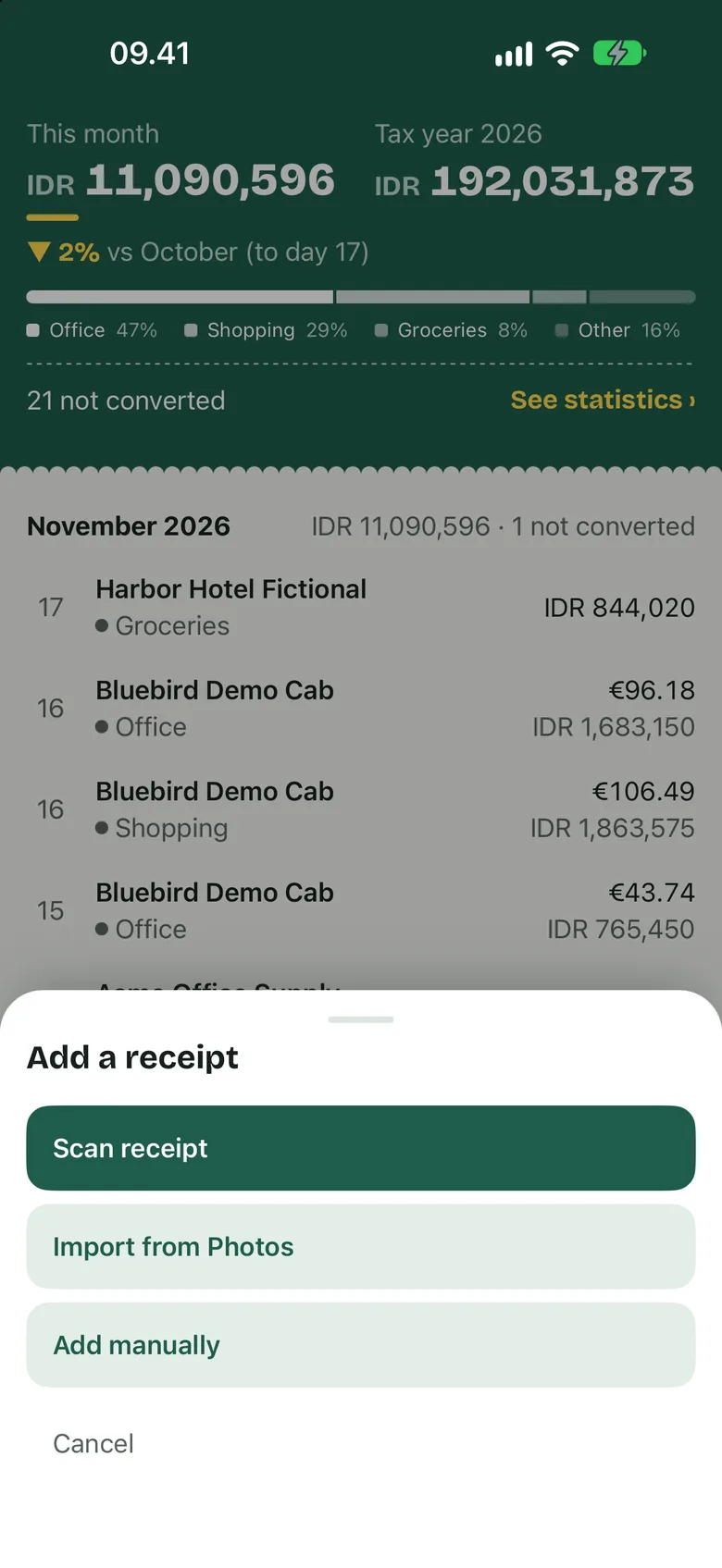
Scan a paper receipt with the camera, or import photos and screenshots. A receipt with several pages stays together as one record.
Review
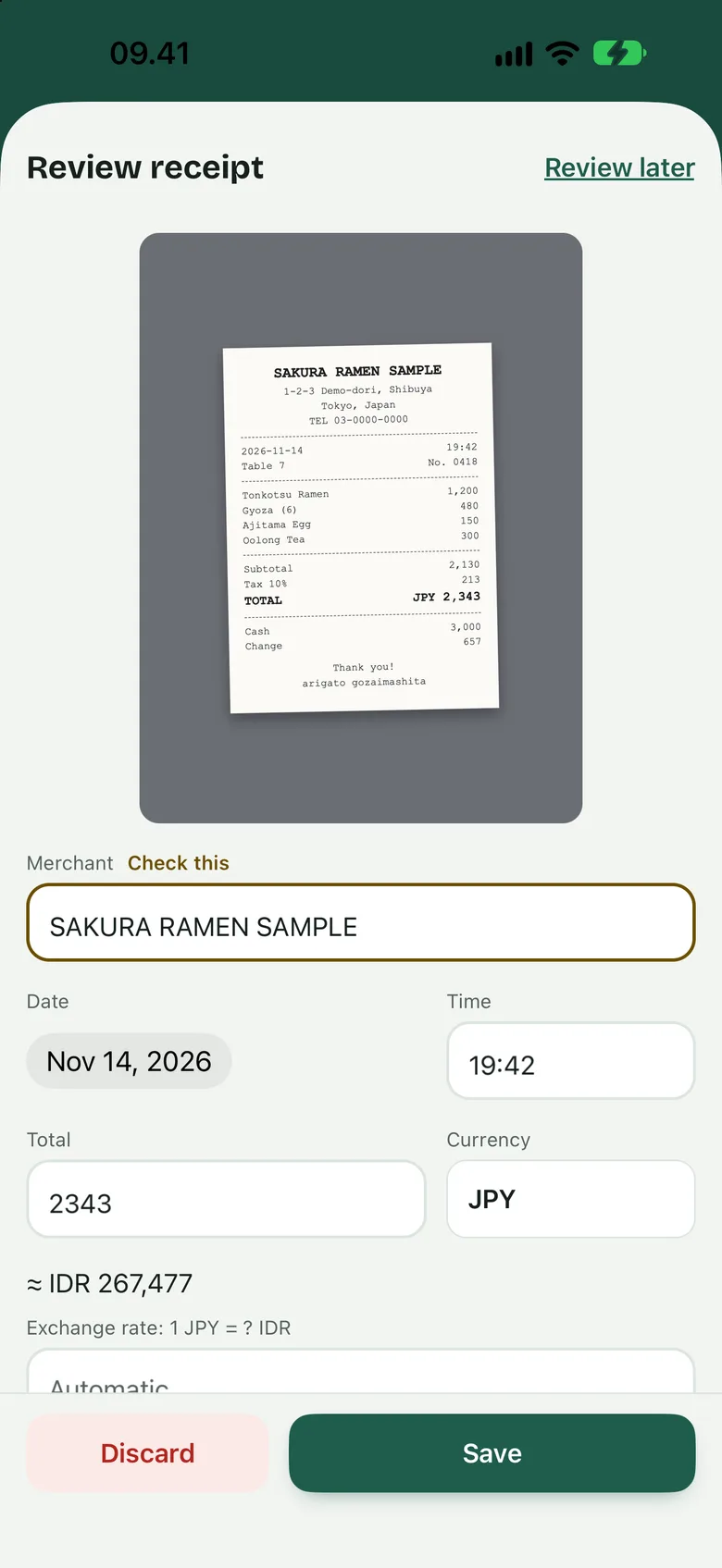
The app fills in the merchant, date, total, tax, currency and category. A field it is unsure about is marked “Check this”. Nothing is saved until you confirm.
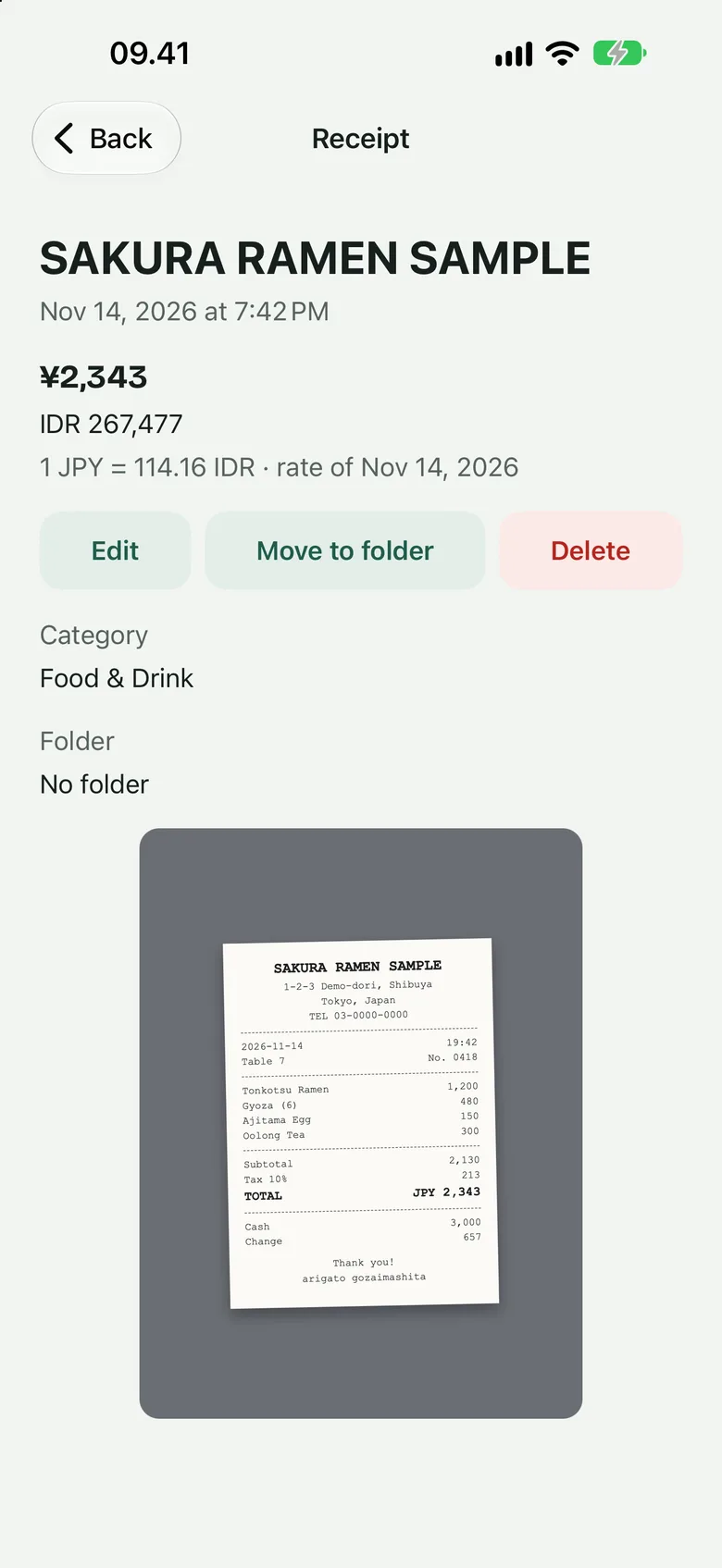
Book
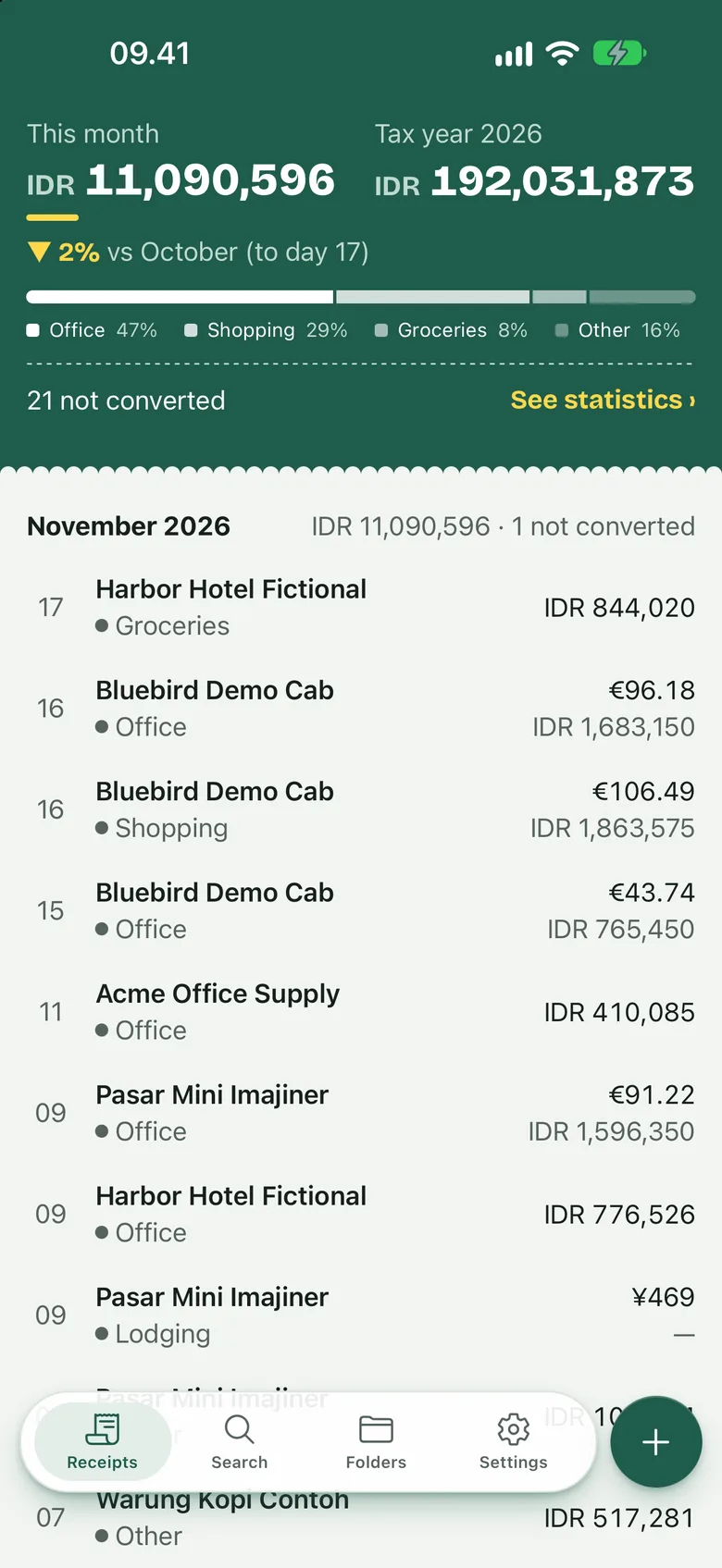
The receipt joins your book. It is grouped by month, added to the total in your home currency, and findable by merchant, note or any word printed on it.
What leaves your phone
Your receipts are stored only on your device, in an encrypted database with encrypted images. You can also lock the app with Face ID, fingerprint or your device passcode.
The app goes online for three things
- Exchange rates. It downloads public exchange-rate tables. The request holds a currency code and a date, and nothing about you.
- Tips. If you open the tip jar, the App Store or Google Play shows the prices and handles the payment.
- Android only: Google ML Kit. It reads receipts on your phone and sends Google its own diagnostics. It never sends your receipt images or text.
What the book does
- Many currencies
- Each receipt keeps its own currency. A foreign receipt is converted to your home currency at the rate of the purchase date, and you can enter your own rate.
- Folders and tax years
- Put receipts in folders for trips and projects. Tax-year views add up each year.
- Search
- Search merchants, notes and the text of the receipt itself, then narrow the results with filters.
- Statistics
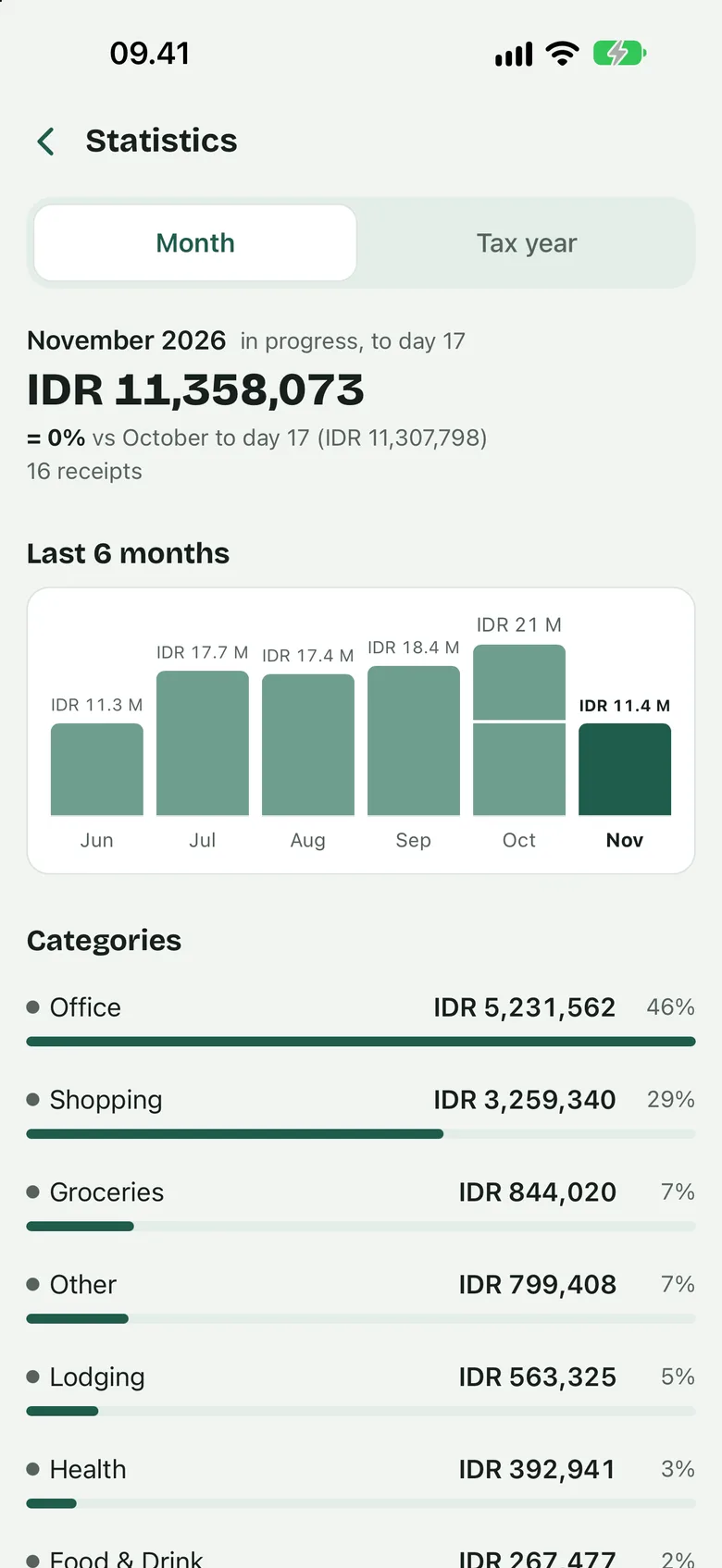
- Compare this month with the last one, and see the last six months, your categories and your top merchants.
- Export
- Export a CSV file or a PDF report for expense claims and tax returns.
- Backup
- Save one backup file, protected by a passphrase, wherever you like. Restore it later or merge it into the receipts already on the phone.
- App lock
- Open the app with Face ID, fingerprint or your device passcode.
- Languages
- The app is in English, Indonesian, Spanish and Brazilian Portuguese, and it reads receipts in many more languages.
Who keeps a book like this
Travellers and expense claimers
Scan receipts in any currency as you go. Each one is converted at the rate of the day you paid. Put the trip in a folder and export a PDF report when you file the claim.
Freelancers
Keep business receipts through the year. The tax-year view gives you the totals and the CSV export gives your accountant the rows. The app keeps records; it does not give tax advice.
Households
See where the month went, by category and by merchant. When you need an old receipt for a warranty, search for the shop or the item.
Free, with a tip jar
My Expenses Book is free, with no ads and no tracking. If it makes your receipts easier to deal with, you can buy the developer a coffee from the tip jar inside the app.
Tips are optional and unlock nothing. Every feature works with or without one.